Subscription
Context Windows
A monthly plan built for coding sessions. You get a weekly RODI allotment to run agents with large context.
- Billed monthly as a subscription
- Weekly RODI budget for Code usage
- Sized for long context and agent runs
Forge is available: build a website with AI from your RodiumAi account.
Try Forge
RodiumAi Code
Desktop, terminal and editor. One RodiumAi account, 200+ models.
Read the docsRodiumAi for Desktop: the coding agent as a native app. No editor required.
v1.0.0 · macOS (Apple Silicon & Intel) · Windows · Linux (.AppImage, .deb, .rpm, x86_64)
These builds are not code signed yet, so your system may ask you to confirm the first time you open the app. Only download them from this page.
chmod +x RodiumAi_1.0.0_amd64.AppImagesudo apt install ./RodiumAi_1.0.0_amd64.debsudo dnf install ./RodiumAi_1.0.0_x86_64.rpmDesktop app
A dedicated coding workspace with sessions, project context and models. Signed in with your RodiumAi account, ready for long agent runs.
Read the Desktop docs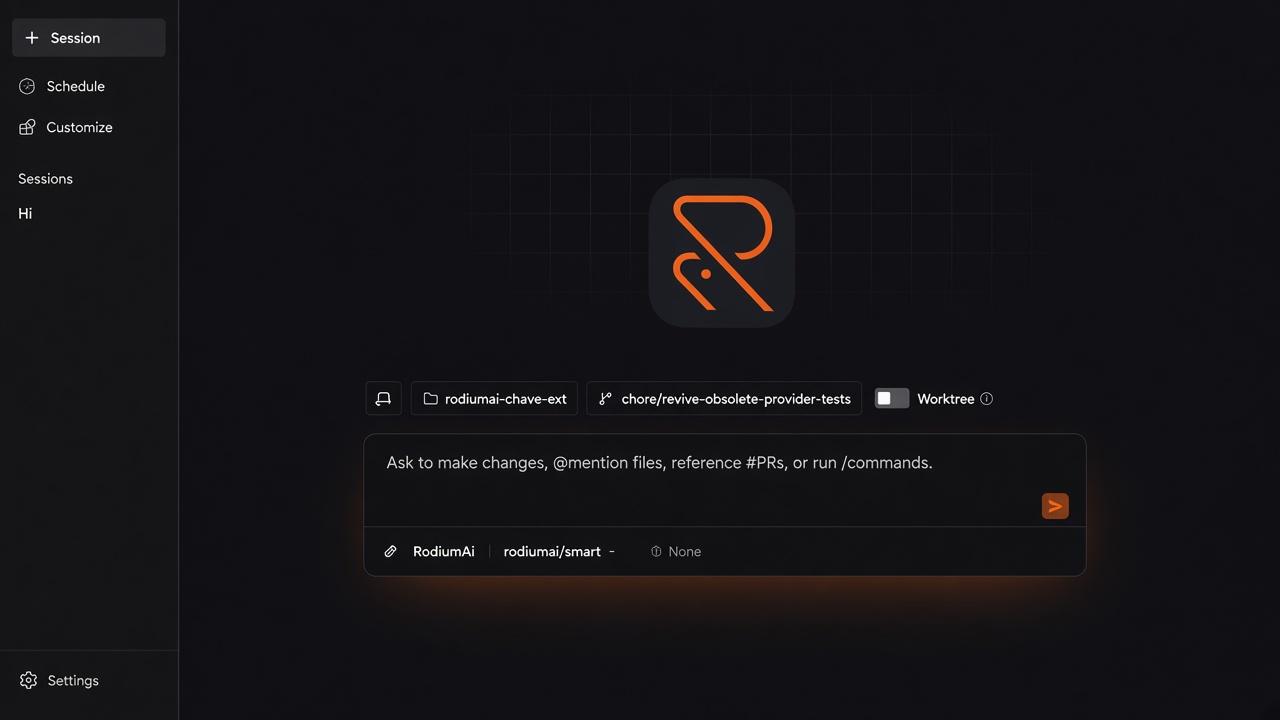
CLI / Terminal
Prompt, plan and edit from the terminal. Point the agent at api.rodiumai.io and spend RODI credits you already top up with Mobile Money.
Read the CLI docs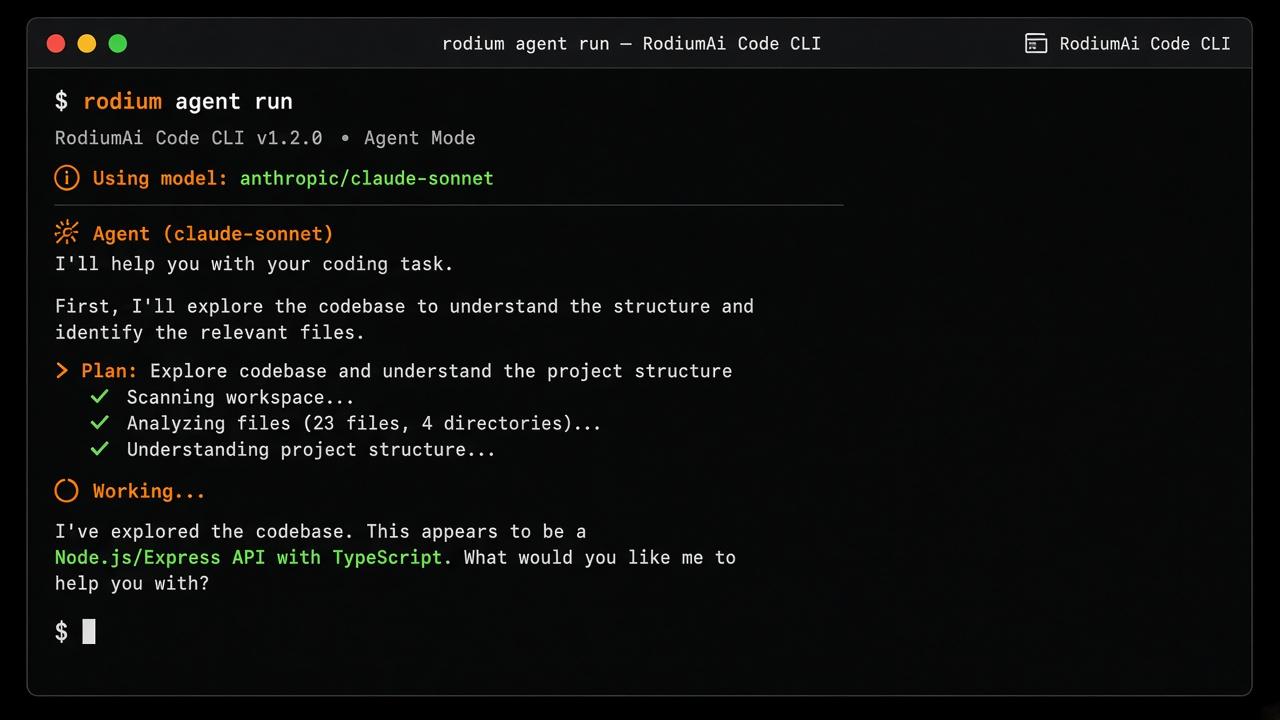
IDE extension
A RodiumAi extension for VS Code, Cursor and Windsurf. Chat, edits and models without leaving your workspace.
Read the extension docs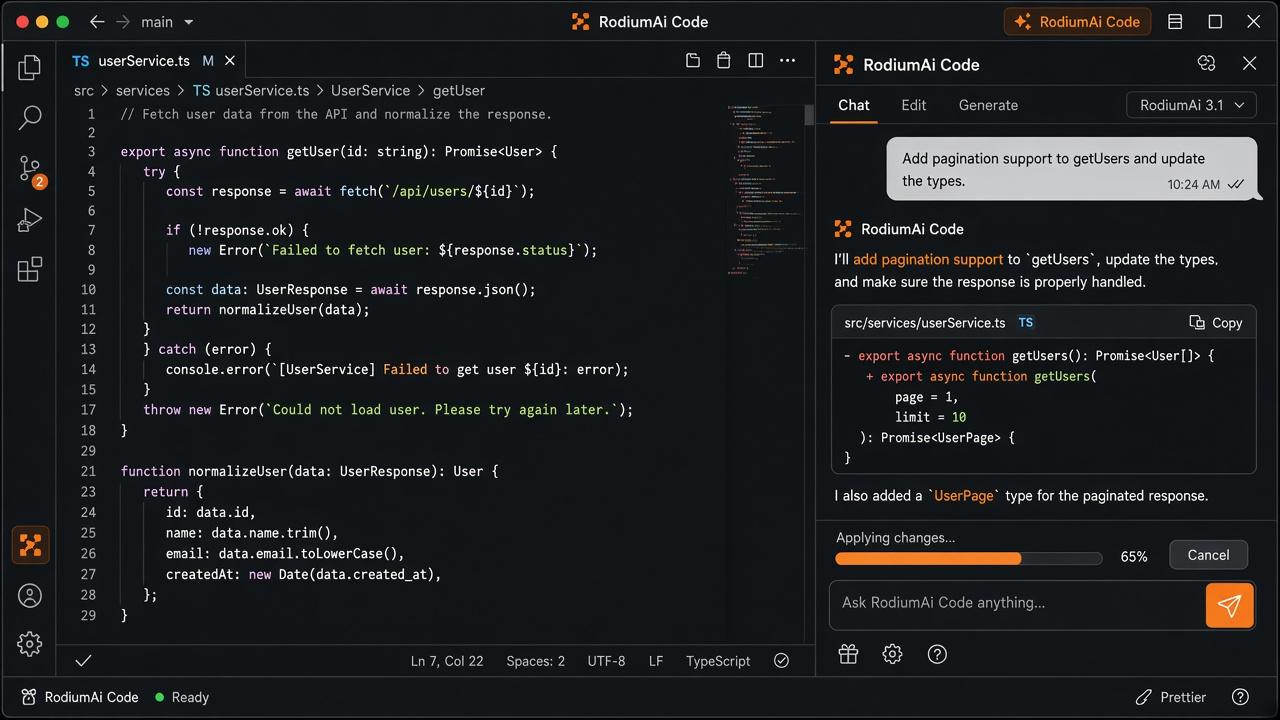
MCP server
Ask Claude, Cursor or VS Code for an image, a video, speech or a transcript. The MCP server picks the model, uses your own API key and saves the result on your computer. Nothing is stored on our servers.
# Claude Code. Other clients: see the docs
$ claude mcp add rodiumai --env RODIUMAI_API_KEY=rd_sk_YOUR_KEY -- npx -y rodiumai-mcp
Pick a monthly Context Windows plan with weekly RODI, or bring your RodiumAi key and pay per million tokens as usual.
A monthly plan built for coding sessions. You get a weekly RODI allotment to run agents with large context.
Use your own RodiumAi API key. Usage is billed per million tokens at the same rates as the rest of the platform.
Why RodiumAi Code
Same API, same wallet, same account. The tools meet you on desktop, in the terminal and inside your IDE.
Route OpenAI, Anthropic, Gemini, DeepSeek and more through the unified RodiumAi API.
Top up RODI credits the way you already pay. No foreign card required to start coding.
CLI, IDE extension and desktop share your balance, keys and usage from the dashboard.
Streaming, long context and OpenAI-compatible endpoints for the tools you already use.